

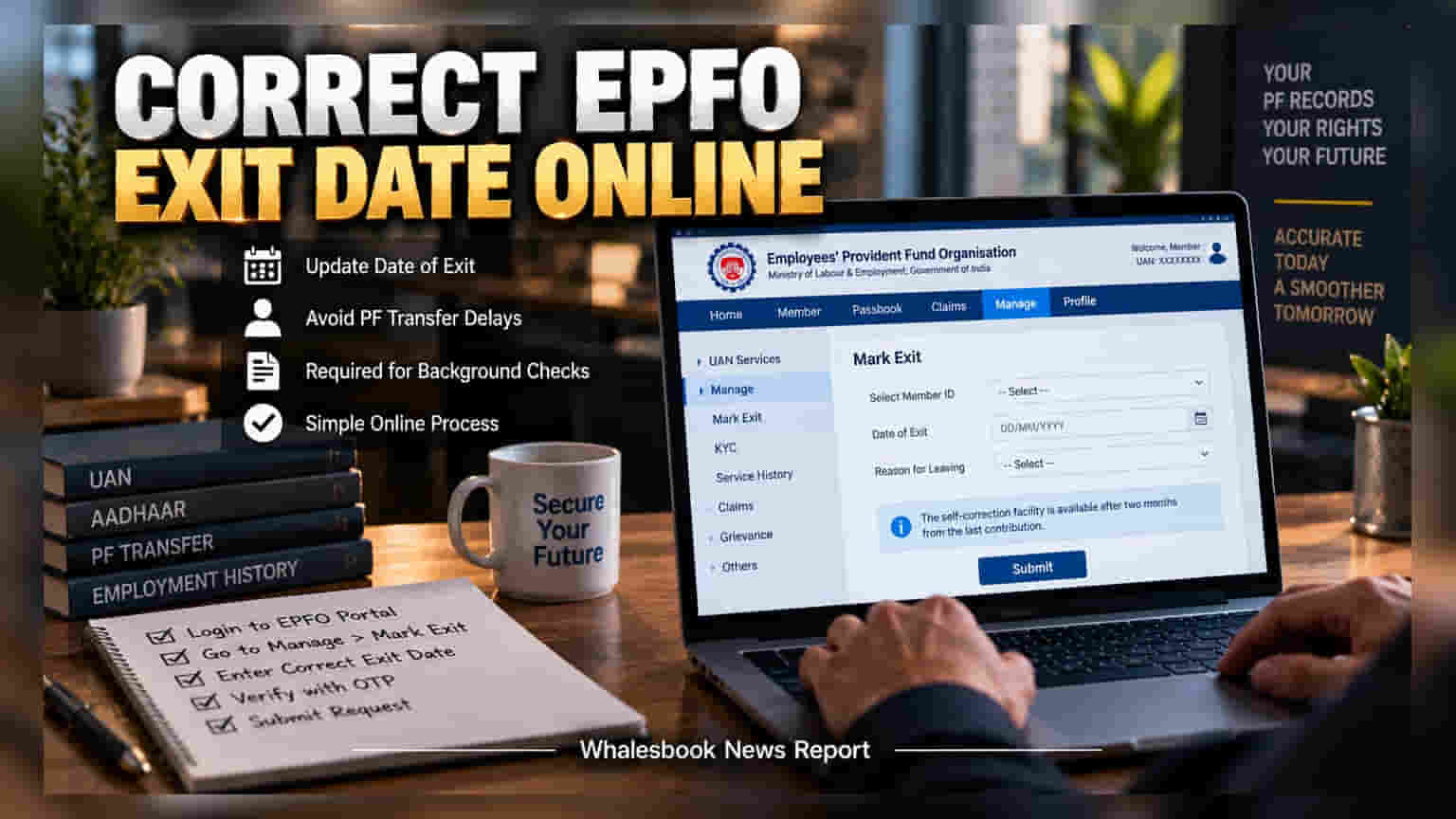
Employees can fix inaccurate exit dates on the EPFO portal to ensure smooth PF transfers and background checks. This feature requires an Aadhaar-linked UAN and a two-month gap since the last employer contribution.
An incorrect exit date in the Employees' Provident Fund Organisation (EPFO) system is more than just a minor clerical error. For many employees, it creates a persistent hurdle when switching jobs, often leading to delays in provident fund (PF) transfers and raising red flags during mandatory professional background verifications. To address this, the EPFO allows members to self-correct their Date of Exit (DOE) online, provided certain conditions are met.
Understanding Eligibility and Requirements
Before initiating the correction process, members must understand that the system is not immediate. The self-correction facility becomes active only after a minimum of two months have passed since the last PF contribution was deposited by the previous employer. This cooling-off period ensures that the exit is genuine and the final contributions are settled.
To use this feature, the employee must have an active Universal Account Number (UAN) that is linked to their Aadhaar number. Since the portal uses Aadhaar-based authentication, a mobile number linked to your Aadhaar is essential to receive the One-Time Password (OTP) for verification. Without these digital prerequisites, the self-correction tool will remain inaccessible.
How to Correct the Date
To update the records, members should log in to the official EPFO Member Unified Portal. Once logged in, navigate to the 'Manage' tab and select the 'Mark Exit' option. From the dropdown menu, choose the relevant employment details. You will be prompted to enter the correct date of exit and provide a reason for leaving. It is advisable to have official documents, such as a relieving letter or final salary slip, handy to ensure the date aligns with the company's records. After verifying the details and authenticating with the Aadhaar-based OTP, the request is submitted for processing.
Why Accuracy Matters
Maintaining accurate data is vital for financial health and professional convenience. An incorrect exit date can result in the rejection of PF withdrawal applications, complicated pension benefit calculations, and unnecessary friction during job changes. If an employee enters a date that does not align with the employer’s data, it can lead to permanent record discrepancies that are difficult to fix later.
In scenarios where the online 'Mark Exit' option is unavailable—perhaps due to a technical glitch, an issue with UAN seeding, or an error previously committed by the employer—the process becomes more complex. If the digital route fails, members should first check if their previous employer can rectify the file. If the employer remains unresponsive, members are advised to use the formal grievance redressal mechanism on the EPFO portal to resolve the matter.